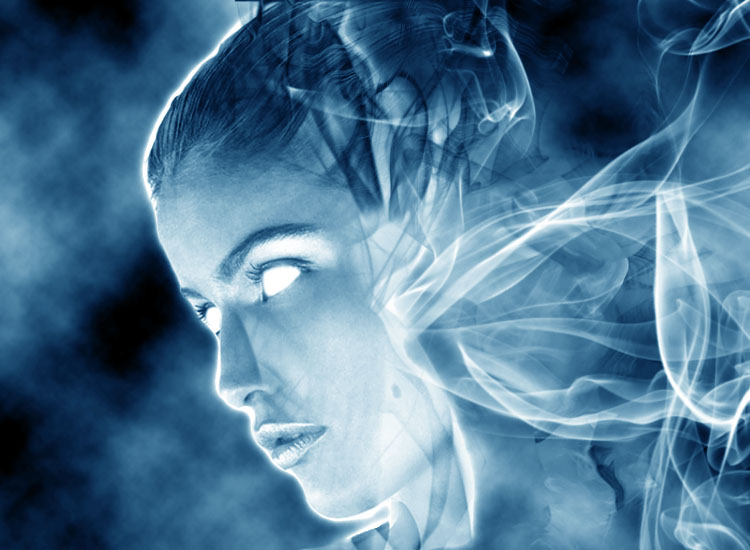
Using an image of yourself, you will alter the image in whatever way you deem necessary, while still being able to recognize (at least a little) who the image is of. Emphasis here is on using different filters, new, down-loaded and alternative brushes, and finally the Layers palette and options to complete the image. As always remember to use Unsharp mask and the Image>Adjustments>Brightness/contrast, Hue/Saturation or any other adjustments to complete the image. You have a good amount of time to work on these (going into next week) so really make sure you use that time to explore the different layers options, brushes and filters to make the best, time-intensive image that you can!
Parameters - Size: 8 x 10 inches, 300 ppi.
Minimum of 8 layers
"Created," new background using at least 3 filters/Layers options.
An altered, crisp, clean image with an overall color-scheme or cohesion (Balance, Rule
of thirds, symmetry, etc.)
Optional - Time-permitting, do more than one alteration to see different ways to complete the assignment - A couple of extra points will be in it for you if you do!
Thursday, January 6, 2011
Monday, December 13, 2010
Creating Sign for CA1 class
Use Adobe Illustrator and/or Photoshop to create signs for Commercial Art I's road scene! The scene is a snowman hitchhiking in the middle of the desert, so use your imagination - What does the sign look like, what does it say? Are their posted road signs, or is the sign the snowman's, asking for a road. Think about using different brushes or paint splatters to make them look dirty, give it texture, make the signs look more realistic. Size should be about 8 x 10" and 72 ppi. Do two different signs, they will be due Thursday. Example of CA1 assignment below:
Friday, December 3, 2010
Composition and Design!
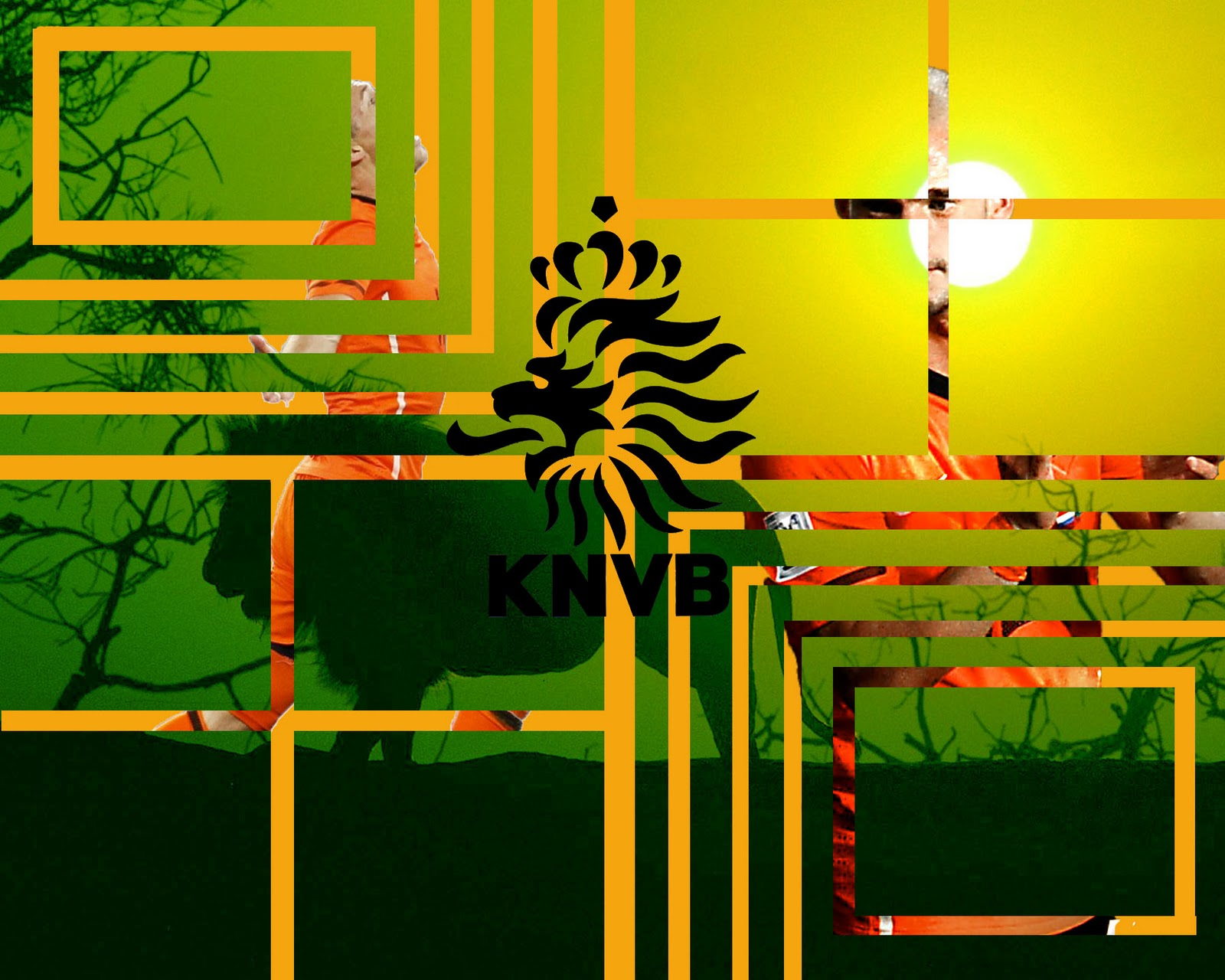
Using the Rule of Thirds, lines, diagonals, etc., create an image where the original has been altered to make it more interseting and/or shows movement. The size is 8"x10" at least 180 ppi, no more than 300. Use at least two images to complete the assignment. Things to think about: Using the two (or more ) images to combine in to one by "cutting away" one image to let the other show through... Changing the hue, saturation, or use filters to change the appearance, such as adding color to a gray sky, or inserting "noise" into a plain image.
Remember, Unsharp mask and crisp, clean, non-pixelated images are a must. Always size down instead of up, whenever possible.
Projects Due at start of class on Friday: Two projects total are due. Each project should have at least two images within them. We will review the projects, grade, and post them on Friday.
Good Luck!
Subscribe to:
Posts (Atom)